Notion PDF page breaks
Page breaks that fall between rows, not through them.
Headings stay with their text, table rows stay whole, and a divider can start a new sheet. You see every sheet before you print.
Free for single pages, unlimited and without a watermark.
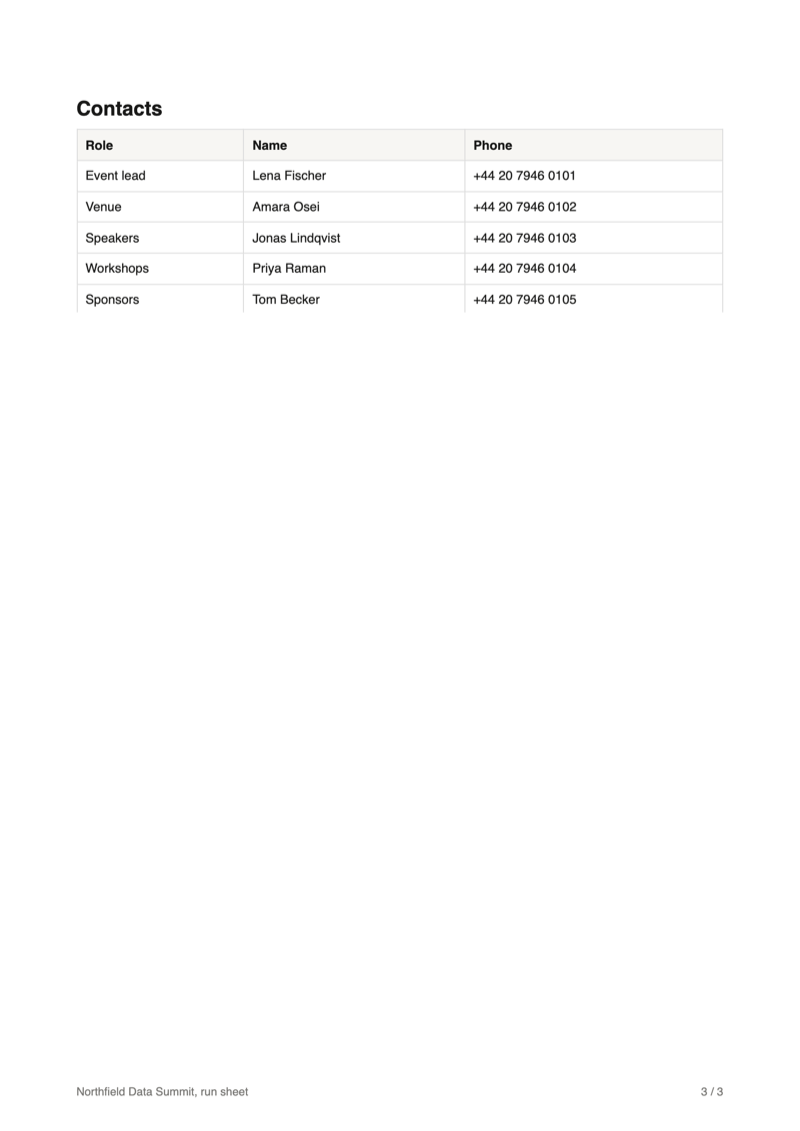
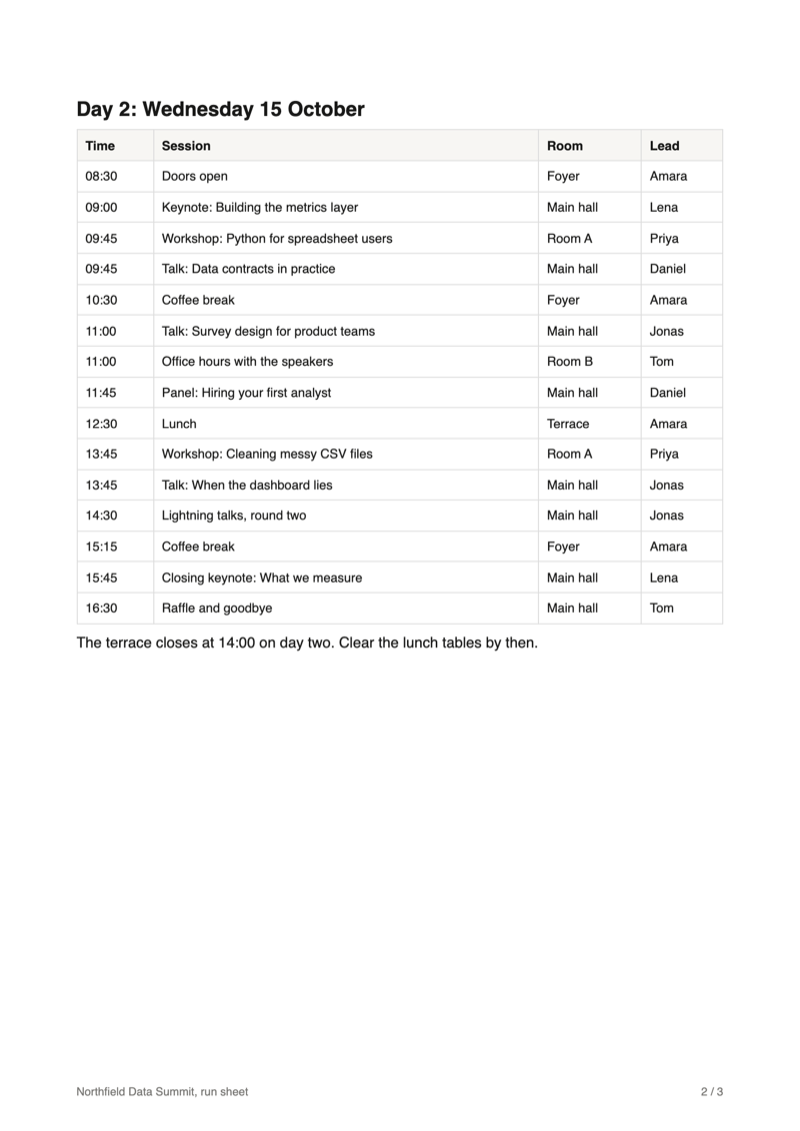
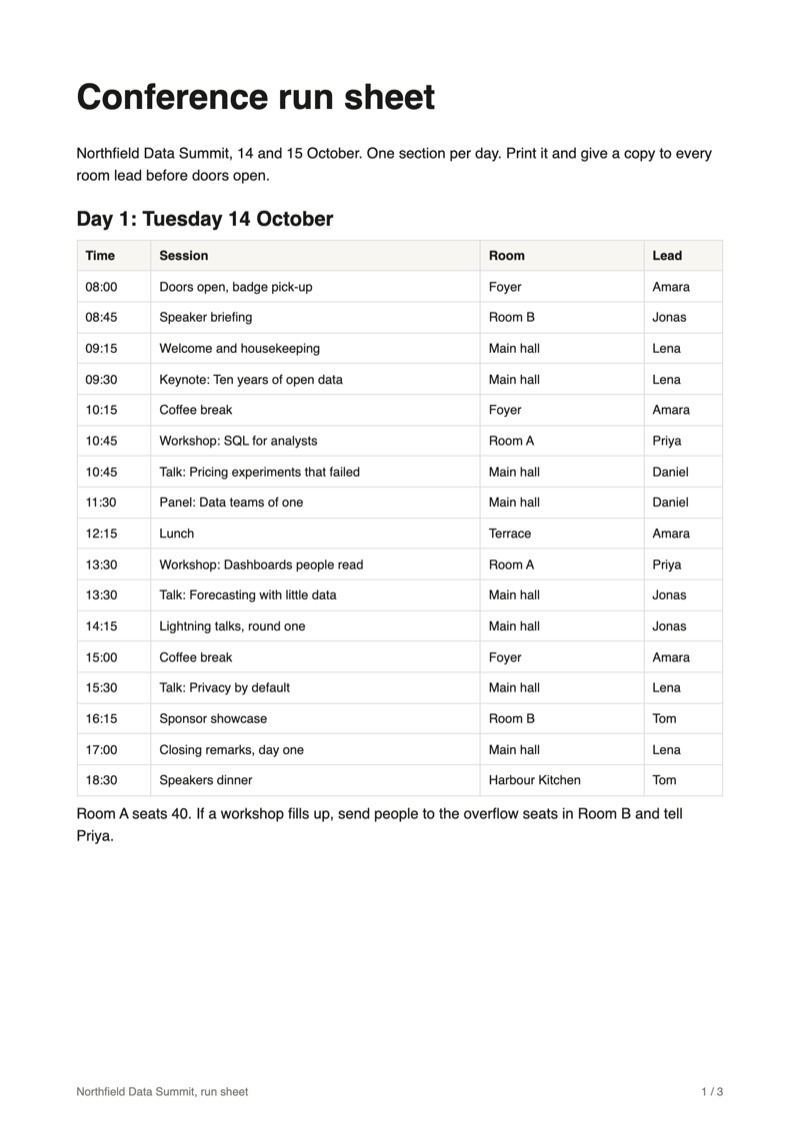
The problem
Why page breaks go wrong in a Notion PDF
A printed page breaks where the sheet is full, unless the document says what has to stay together. Notion has no page break block, and its PDF export offers paper size, scale and whether to include images, but nothing about where a sheet ends.
Rows cut in half
A table row that starts at the foot of one sheet ends on the next, with half of each cell on either side of the break.
Headings left behind
A heading lands on the last line of a sheet and its section starts on the next one, so the reader turns the page to find out what the heading was about.
No break where you want one
A run sheet with a page per day, a handout with a page per topic: without a page break block, the next section simply continues on the same sheet.
Notion's export options as described in Notion's help centre, October 2026.
Reference
Where the extension breaks a page
The extension reads the page's blocks and prints them with rules for each kind, so a break falls where you would put it by hand.
| Block | At a page break |
|---|---|
| Paragraph | Breaks between two lines, never through one, and leaves at least three lines on each side of the break. |
| Heading and page title | Kept with the text below it: it moves to the next sheet rather than end one. |
| Table and database | A row is kept whole when it fits on a sheet. The header row repeats at the top of every sheet the table runs onto. |
| Code, quote, callout, image | Kept whole and moved to the next sheet, as long as it fits on one. |
| Columns | A row of columns moves as one when it fits on a sheet. |
| Divider | A thin line, or with "Start a new sheet at every divider" the start of a new sheet, without the line. |
| Subpage | With subpages exported, each one starts a new sheet or runs on after the previous one. |
Guide
How to set page breaks in a Notion PDF
Three steps in your open Notion tab. Your page is only read, never changed.
Put a divider where a new sheet should start
Type --- on an empty line in Notion, or choose Divider from the / menu. In a run sheet, that is between the days; in a handout, before each topic.
Then click PDF in the Notion top bar, next to Share.

Tick "Start a new sheet at every divider"
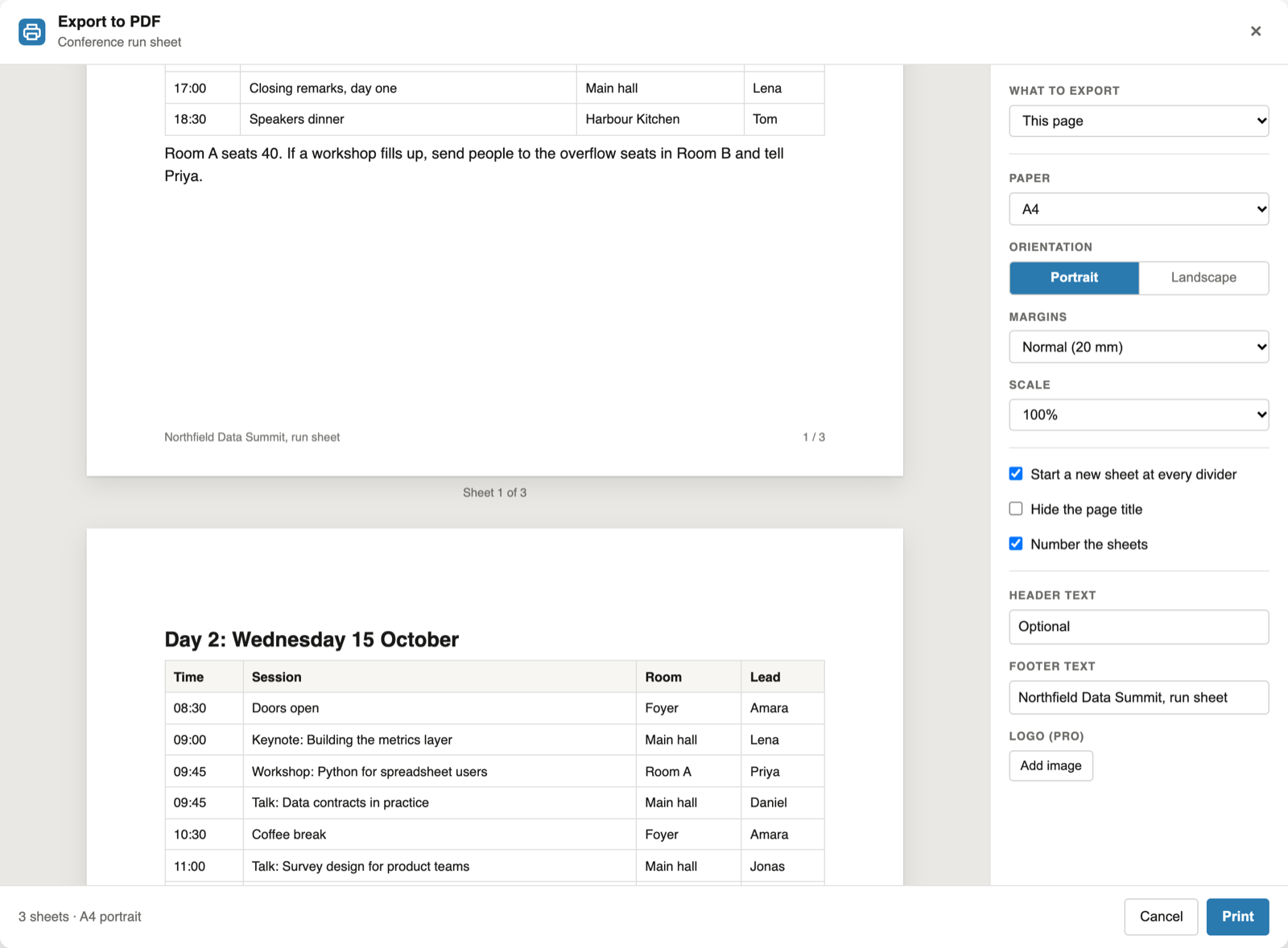
Every divider on the page now ends the sheet, and the line itself is left out. The preview redraws at once: below, day one ends on sheet 1 and day two starts at the top of sheet 2.
"Number the sheets" prints "1 / 3" in the bottom right corner, and the footer text goes bottom left, on every sheet.
Check the sheets, then print
Scroll through the preview. Each sheet is drawn at the real proportions of the paper, with its margins, and the line under it reads "Sheet 2 of 3". A sheet that a break leaves more than a quarter empty says so, for example "ends early, 40% stays blank".
Click Print and choose "Save as PDF". The print job is the same document the preview measured.
Fewer sheets
Three settings that move the breaks
Scale
From 60% to 125%. The sheet keeps its size and the content gets more or less room, so a lower scale fits more on each sheet.
Margins
None, small (10 mm), normal (20 mm) or large (30 mm). Header, footer and sheet numbers print in the margin, so they need one.
Paper and orientation
A4, Letter, Legal, A3, A5 or Tabloid, portrait or landscape. A wide table usually needs fewer sheets in landscape.
FAQ
Notion PDF page breaks: common questions
Can I insert a page break in Notion?
Notion has no page break block. With this extension, put a divider where the new sheet should begin and tick "Start a new sheet at every divider" in the export panel. The divider line itself is not printed.
Why is a table row cut in half in my Notion PDF?
A printed page breaks where the sheet is full, unless the document says what has to stay together. The extension never splits a table or database row, and repeats the header row on every sheet a table runs onto.
Can I see the page breaks before I print?
Yes. The preview shows every sheet with its margins, header, footer and sheet number, and notes a sheet that ends early and how much of it stays blank.
How do I fit a Notion page on fewer sheets?
Lower the scale, choose smaller margins or, for a wide table, switch to landscape. The sheet keeps its size and the content gets more room, and the preview redraws with every change.
Does every subpage start on a new sheet?
By default, yes. When you export a page with its subpages, choose "New sheet" or "Run on" under "Between subpages". Exporting subpages is part of Pro.
Is it free?
Yes, for single pages and without a limit: the page breaks, divider breaks, the preview, header, footer and sheet numbers. Pro, at $6.99 a month or $59 a year, adds subpages, the document generator and your logo.
Print your next Notion page with clean breaks
Add the extension, open the page and click PDF next to Share.
Add to Chrome