Print Notion alternative
Notion PDF Export and Print Notion, side by side.
Both are Chrome extensions that print Notion pages and generate documents from a database. They differ in price, in the free plan and in a few features.
Facts about Print Notion are taken from its website, September 2026.
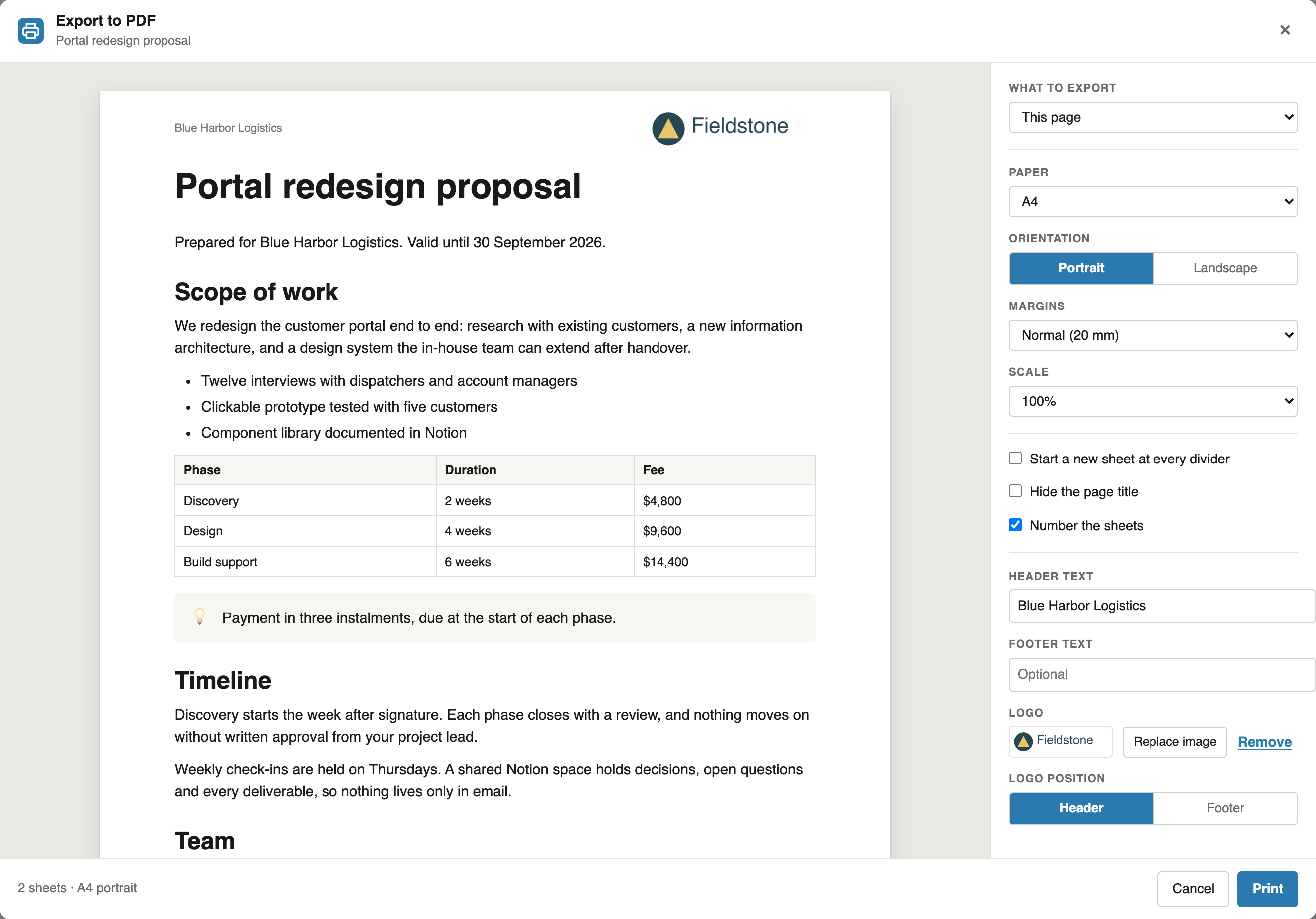
Notion PDF Export and Print Notion in short
Notion PDF Export and Print Notion are Chrome extensions that print Notion pages and generate documents from a Notion database. Notion PDF Export Pro costs $6.99 a month or $59 a year; Print Notion Pro is listed at $9.99 a month or $99.90 a year. Notion PDF Export prints single pages free, unlimited and without a watermark; Print Notion's pricing page lists a watermark on its free plan. Print Notion can save a separate PDF for each database row, which Notion PDF Export cannot yet. Facts about Print Notion come from printnotion.com, September 2026.
Compare
Print Notion vs Notion PDF Export
Prices and plans as listed on both websites. Where Print Notion's website does not describe a feature, the table says so rather than guessing.
| Feature | Notion PDF Export | Print Notion |
|---|---|---|
| Pro, billed monthly | $6.99 a month | $9.99 a month |
| Pro, billed yearly | $59 a year | $99.90 a year |
| Single pages on the free plan | Unlimited, no watermark | Unlimited, with a watermark |
| Documents from a database, free plan | Preview of the first 5 documents, printing is Pro | Test with 3 sample rows |
| All documents in one PDF | Yes | Yes |
| A separate PDF file per row | No | Yes |
| Print only a range of rows | Yes, Pro, tick the rows | Yes, Pro |
Spaces in placeholders, such as {Invoice date} | Yes | No |
| A page with all its subpages | Pro, up to five levels | Not described on its website |
| Header and footer | Yes, free | Yes |
| Browsers | Chrome, Edge and Brave, from the Chrome Web Store | Chrome, and Edge from Edge Add-ons |
| Website languages | English | 10 languages |
Sources: printnotion.com pricing page, user manual and Notion to PDF page, September 2026.
Which one
Which extension fits your documents
Choose Notion PDF Export if you
- want free single-page exports without a watermark
- export a page with its subpages on Notion Free or Plus
- use column names with spaces in your placeholders
- prefer the lower price of $59 a year
Choose Print Notion if you
- need a separate PDF file for each database row
- print only a range of rows at a time
- want an extension with many reviews already
- want its website in your own language
Switching
Moving a Print Notion template over
Both extensions use column names in braces, so the placeholders of a Print Notion template, such as {Client_name}, carry over. Two things to change:
Add the database to the template page
Print Notion lets you pick the data table separately. Here the data is the first database on the page you export, so add it above the document, or turn a table into a database from its block menu.
Values come from text, number and select columns
Date, people and relation columns do not print their value yet. Write dates as text. The Notion mail merge guide lists every rule, and the invoice template is a working example.
FAQ
Print Notion alternative: common questions
Is Notion PDF Export cheaper than Print Notion?
Yes. Its Pro plan costs $6.99 a month or $59 a year. Print Notion Pro is listed at $9.99 a month or $99.90 a year, as of September 2026.
Does the free plan add a watermark?
Not on Notion PDF Export: single pages are free, unlimited and unmarked. Print Notion's pricing page lists a watermark on its free plan, removed with Pro.
Can I use my Print Notion templates?
The placeholders carry over, since both use column names in braces, such as {Client}. Add the database to the template page, and turn date, people and relation columns into text.
Can Notion PDF Export make a separate PDF for each row?
Not yet. A run produces one PDF, with each document starting on its own sheet. If you need one file per row, Print Notion offers that.
Is Notion PDF Export related to Print Notion?
No. It is an independent extension, not affiliated with Print Notion or with Notion Labs, Inc.
Try the free plan on your next page
Add the extension, open any Notion page and click PDF next to Share. Single pages stay free.
 Add to Chrome